
Ask for a frame by id.
Asked
● figstudio · get_screenshot(nodeId: "1:2", scale: 2)
  └ waiting for the open tab…
Pick and run
● figstudio · get_screenshot(nodeId: "1:2", scale: 2)Returned
● figstudio · get_screenshot(nodeId: "1:2", scale: 2)
  └ 560x390 px, scale 2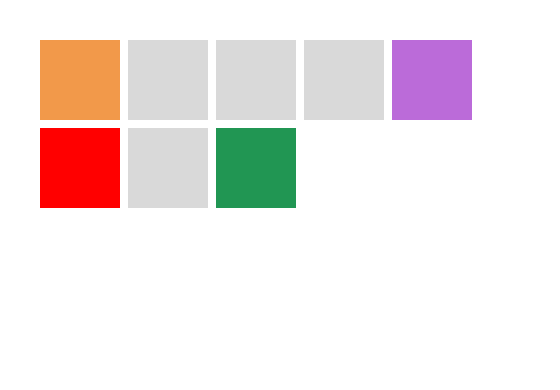
See it work, in 48 seconds.
Recorded in figstudio with the public test files from its repository. Sound is in the player.
From Figma to your agent
To begin, save a local copy. In Figma, choose File, then Save local copy. You get a .fig file on your disk, and figstudio reads it as it is: no Figma account and no network.
Then, open it. Drop the file on figstudio in your browser, or open it in the desktop app. The file stays in that tab or window. Nothing is uploaded, and files larger than 256 MB load their images only when they are drawn.
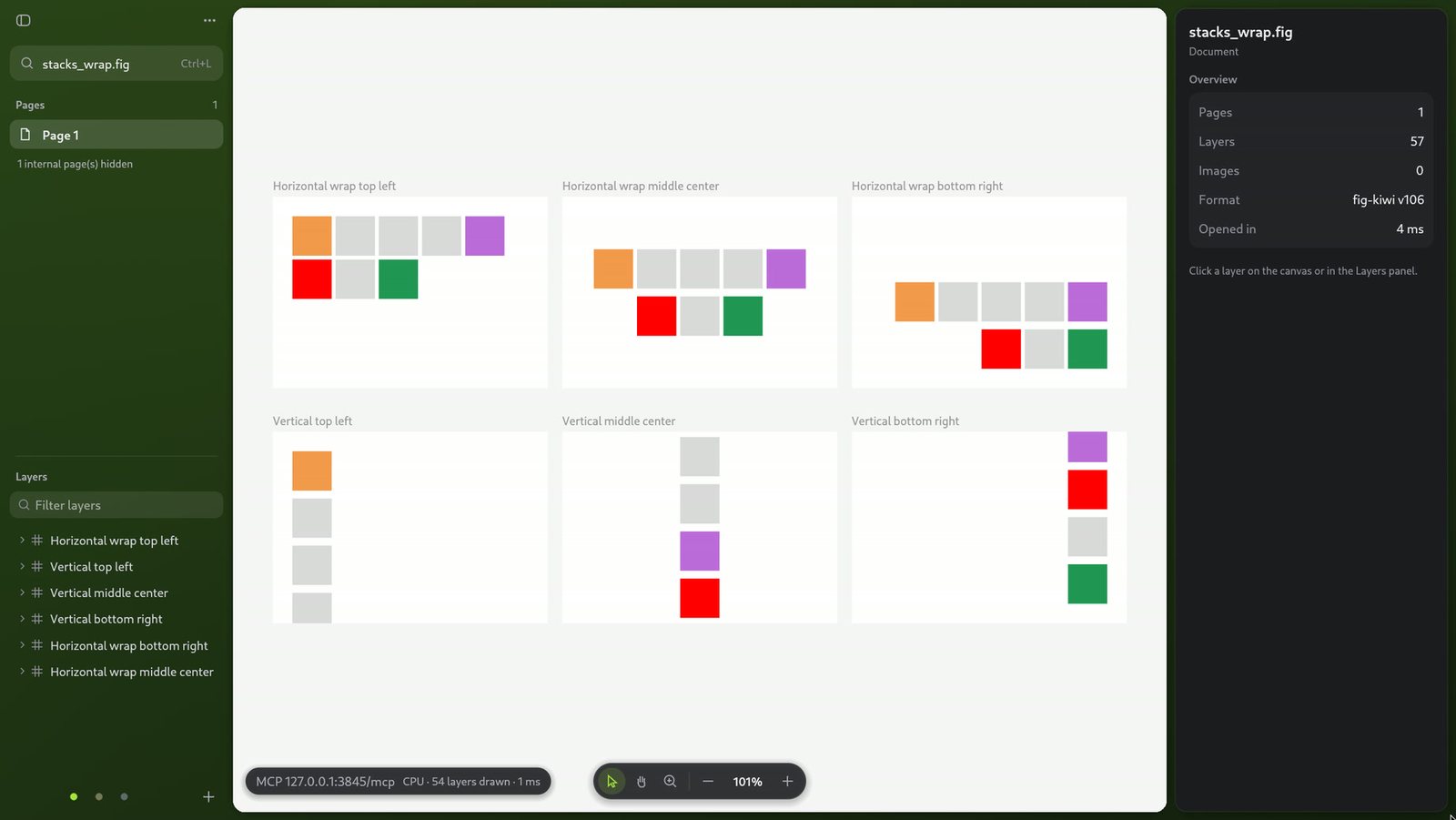
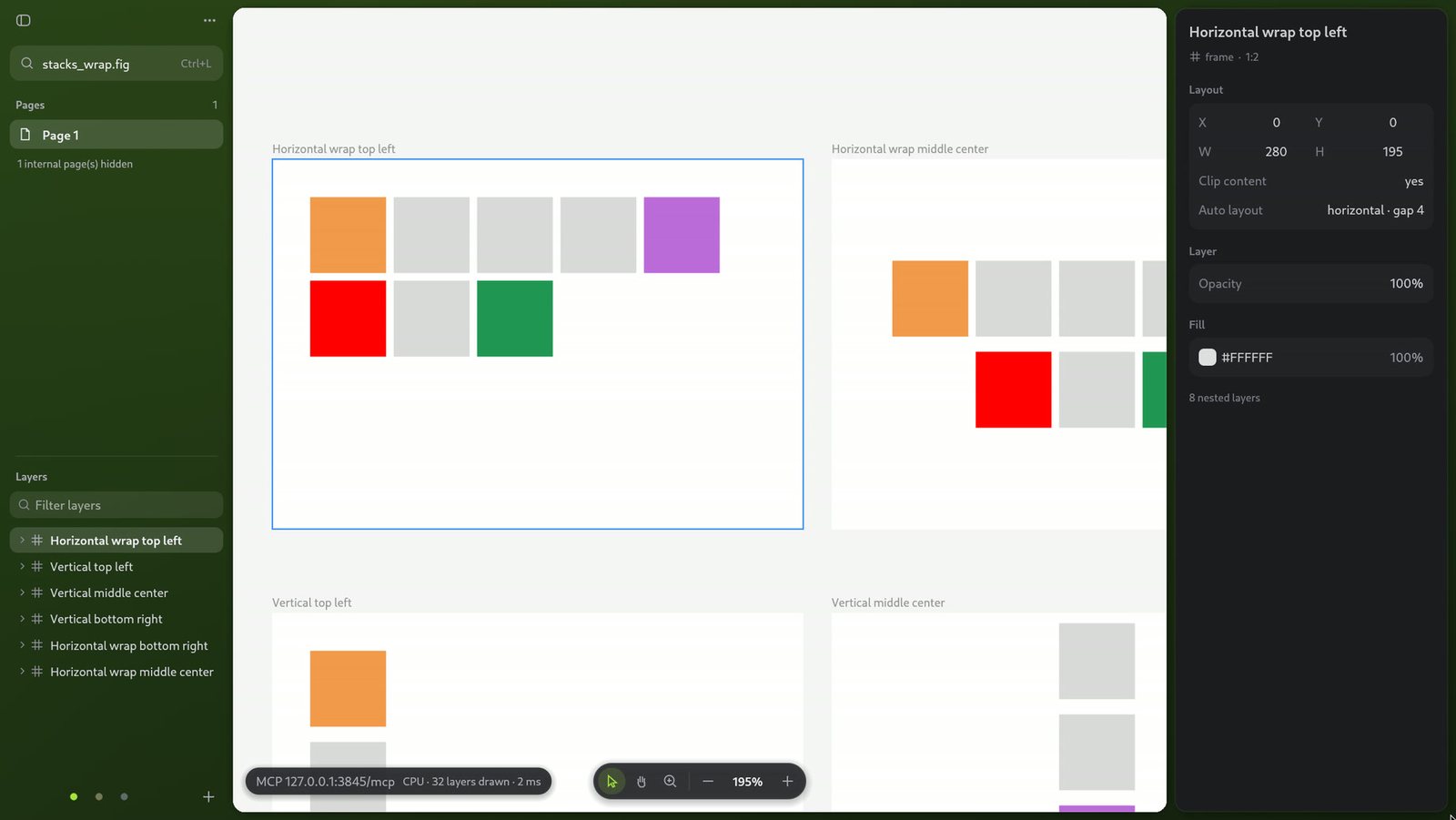
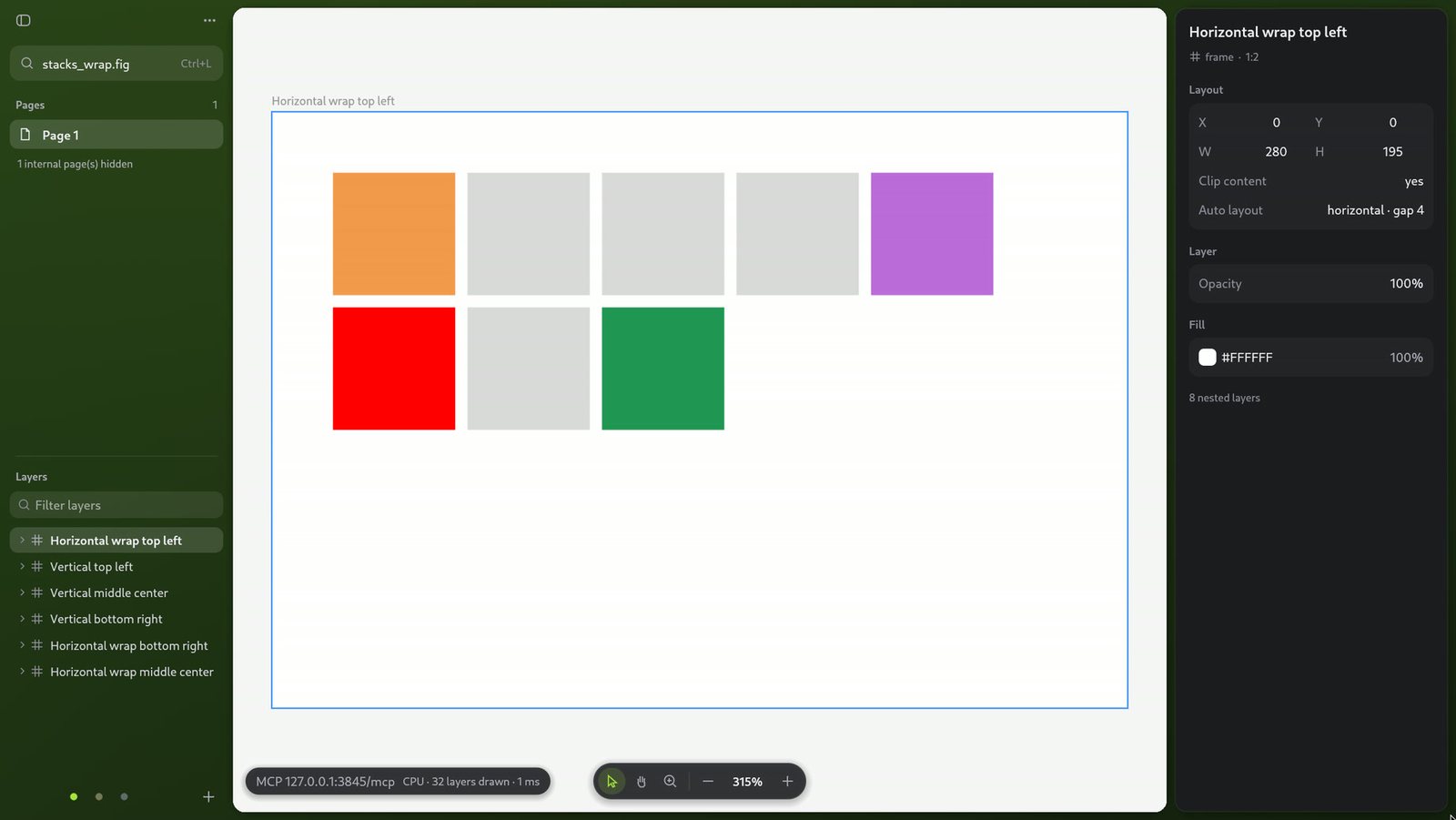
Next, point your agent at it. Install the MCP server and add it to your agent. When the agent first needs a file it opens figstudio in your browser and pairs with that tab. If the browser asks to let the page reach devices on your network, allow it: that is the server on 127.0.0.1.
cargo install --locked --git https://github.com/pelvo/figstudio figstudio-mcp
claude mcp add figstudio -- figstudio-mcp --origin https://figstudio.pelvo.dev
From then on, it works by node id. The agent lists the pages and frames, reveals a node in your open tab, renders it to PNG and reads it back as React and Tailwind, instead of guessing from coordinates. This is what it got for the frame you picked above.
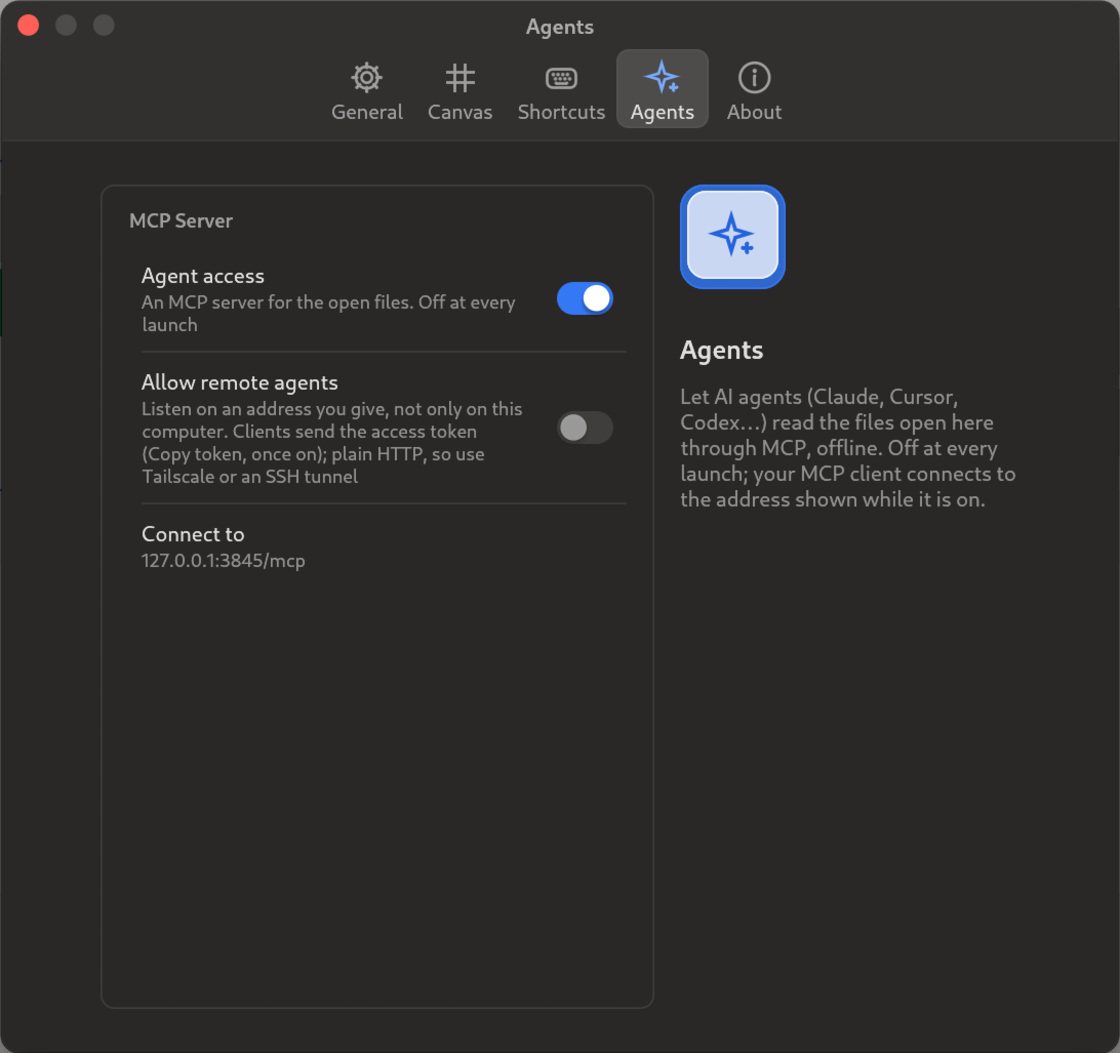
And if you prefer an app, the desktop app runs the same server inside itself. Turn on Agent access in Settings and connect to the address it shows.
Figma's tool names
The same names as Figma's server
get_metadatasparse XML of ids and sizesget_design_contextReact and Tailwindget_screenshotPNGdownload_assetsPNG or JPGget_variable_defsname to valueget_nodes_in_regionnodes in a rectangleget_figjamboard XMLsearch_design_systemranked matchesget_librariescomponents and tokensget_context_for_code_connectprops and variantsget_code_connect_maplocal mappingsadd_code_connect_mapwrites a sidecar filewhoamiserver and files
figstudio's own
list_fileskeys and pathscompare_filesreport.html of two versionscompare_pageone page's diff
In the browser, three more
open_figstudio_browseropens and pairs a tablist_sessionsopen tabs and filesselect_sessionpins one tab
Written in Rust. Fast on big files.
- 0.7
- seconds to open a 1.7 GB file in the desktop app
- 1.4
- seconds to open the same file in the browser
- 16
- MCP tools, three more in the browser
- 3845
- the local port, as with Figma's own server
- 0
- bytes of your file uploaded
Copies the install line (it needs Rust's cargo) and the setup for that agent.
cargo install --locked --git https://github.com/pelvo/figstudio figstudio-mcp
claude mcp add figstudio -- figstudio-mcp --origin https://figstudio.pelvo.dev